
Active@ Disk Monitor
Check and monitor the health of your hard disks
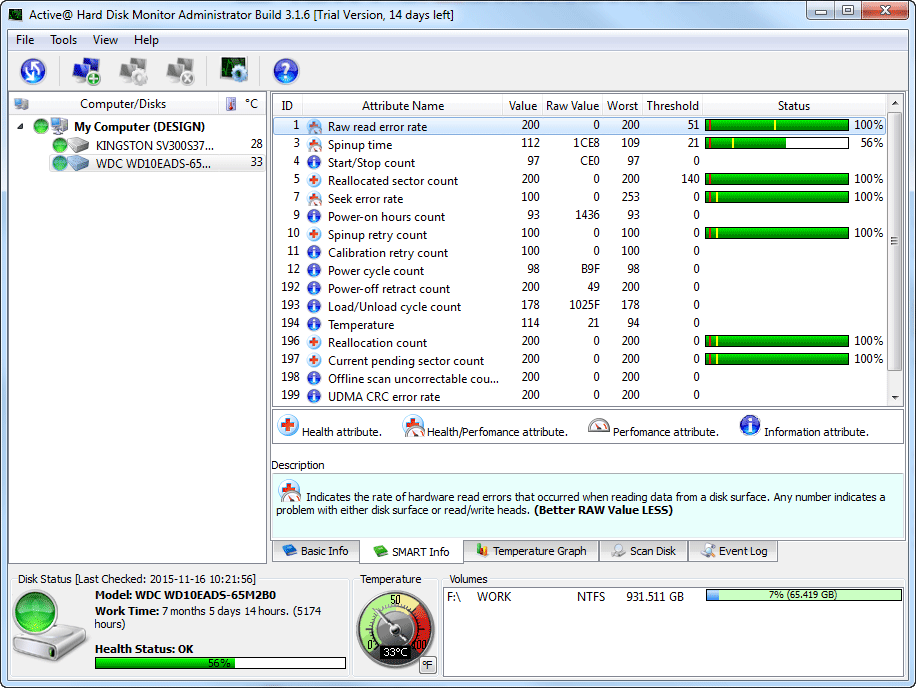
Check and monitor the health of your disks to prevent data loss using Self-Monitoring Analysis and Reporting Technology (S.M.A.R.T.). Detect bad sectors on a disk surface by running Advanced Disk Scan. Instantly retrieve the disk health information from the application running in the System Tray.
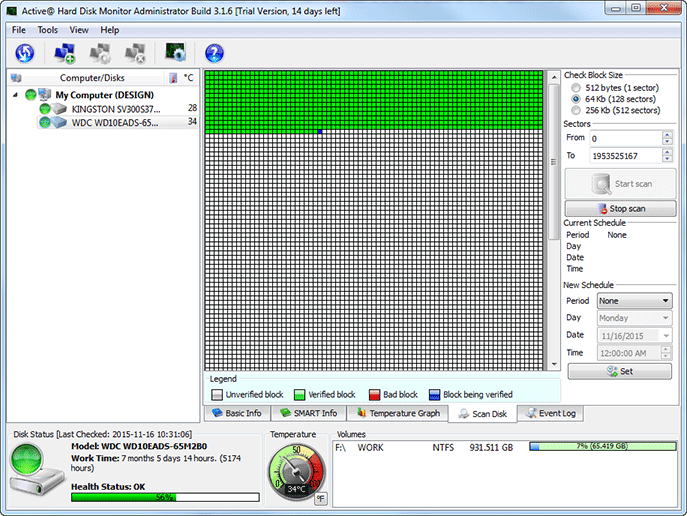
Perform scanning of disks for bad sectors to make sure your data is safe.
Key Features
Performance Monitoring
Performance Monitoring and Control
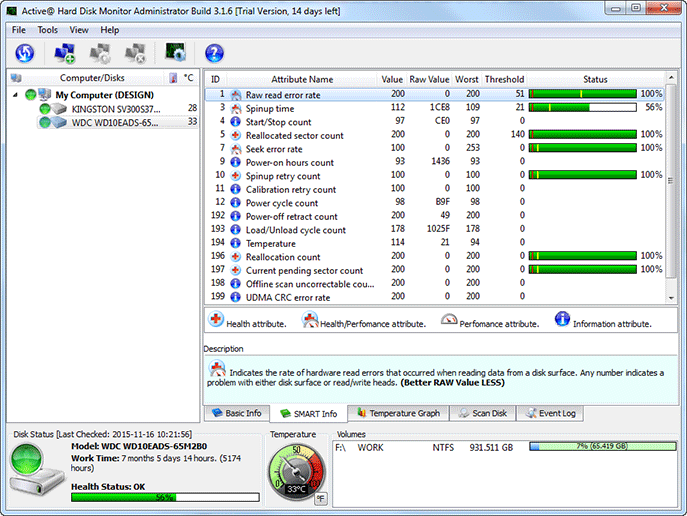
S.M.A.R.T. Technologiy
Based on Self Monitoring Analysis and Reporting Technology (S.M.A.R.T.)
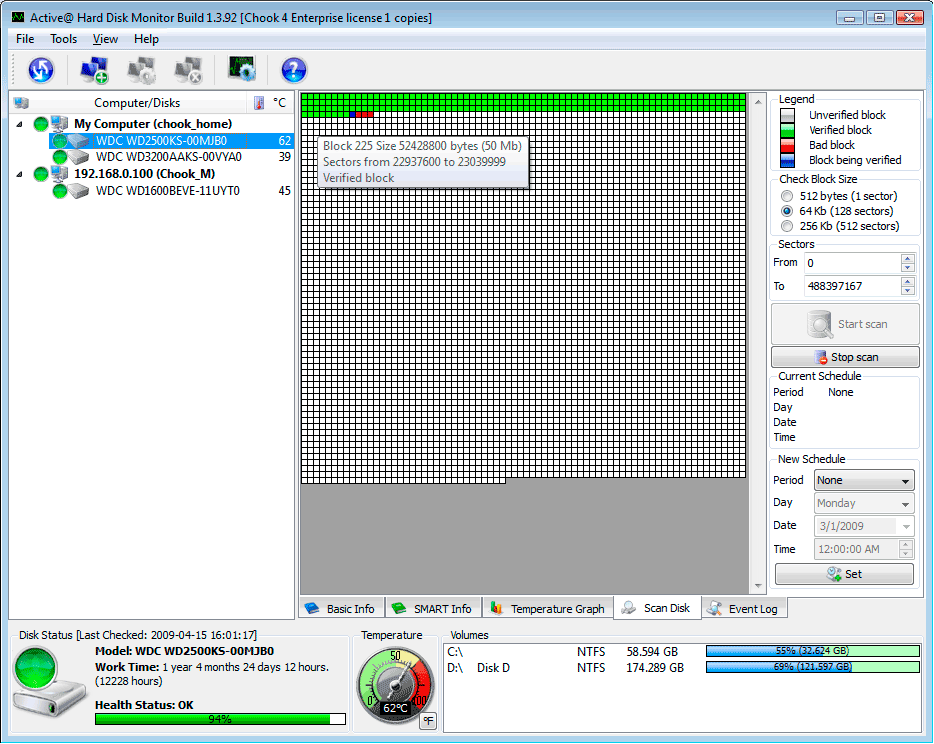
Scanning disks for bad sectors
Able to scan and display bad sectors on a disk surface
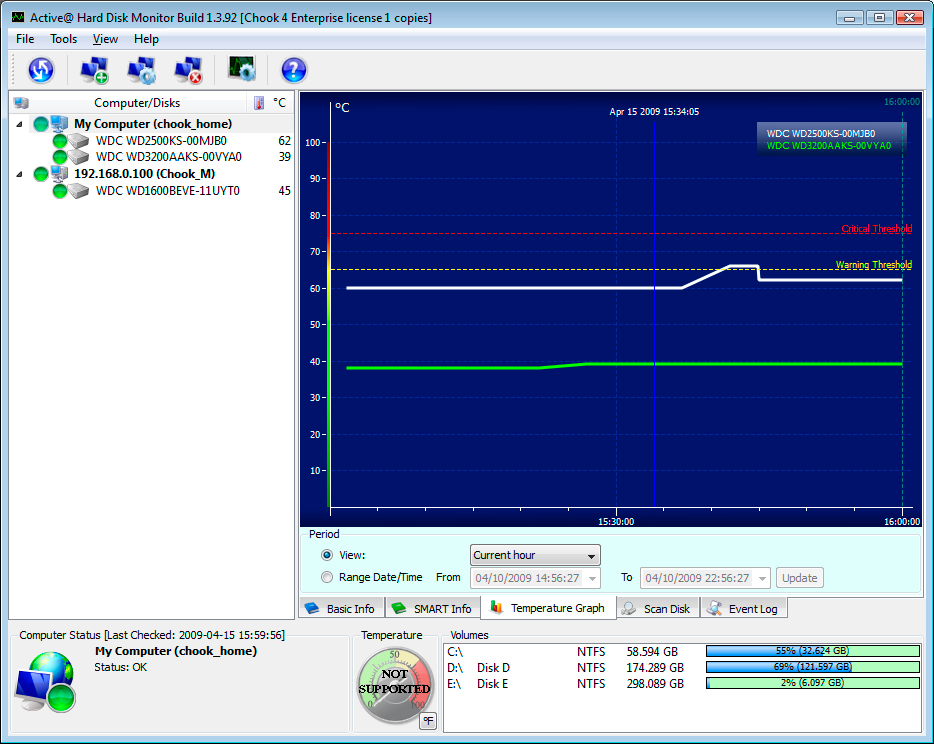
Тemperature graph
Keeps the history of temperature measures and draws a temperature graph
E-mail and pop-up notifications
Sends an e-mail or a popup notification automatically if critical conditions appear
Remote monitoring
Shows all information and receives notifications from remote computers in local or global network
Simple and intuitive UI
Easy to use user interface makes a hard disk monitoring a straightforward task
Launch at Windows startup
Can be launched automatically at Windows startup and monitor the HDD(s) in the background
Event logs and reports
Generates event log and S.M.A.R.T. reports with detailed information about disk(s) activity over the period of time
Free Upgrade and Support
Instant upgrades available from our download server
Screenshots
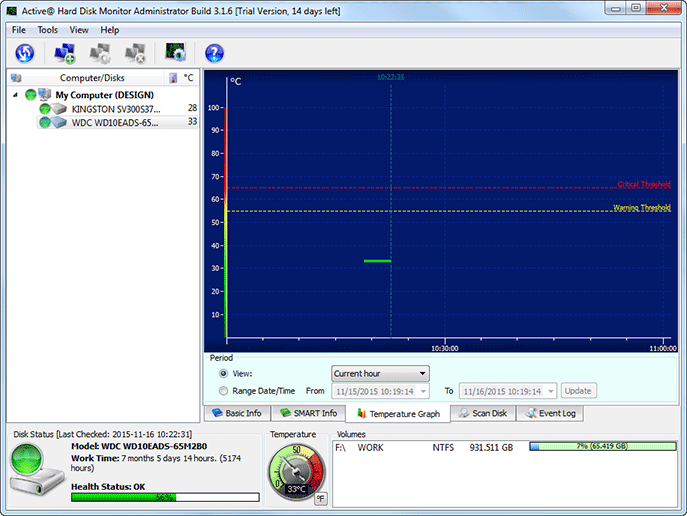
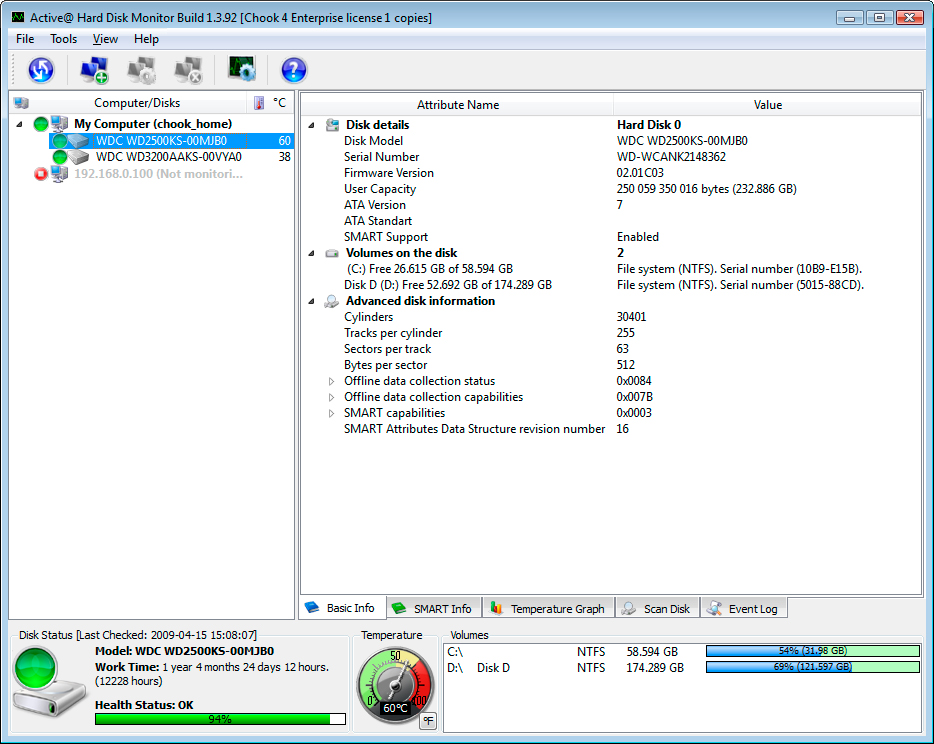
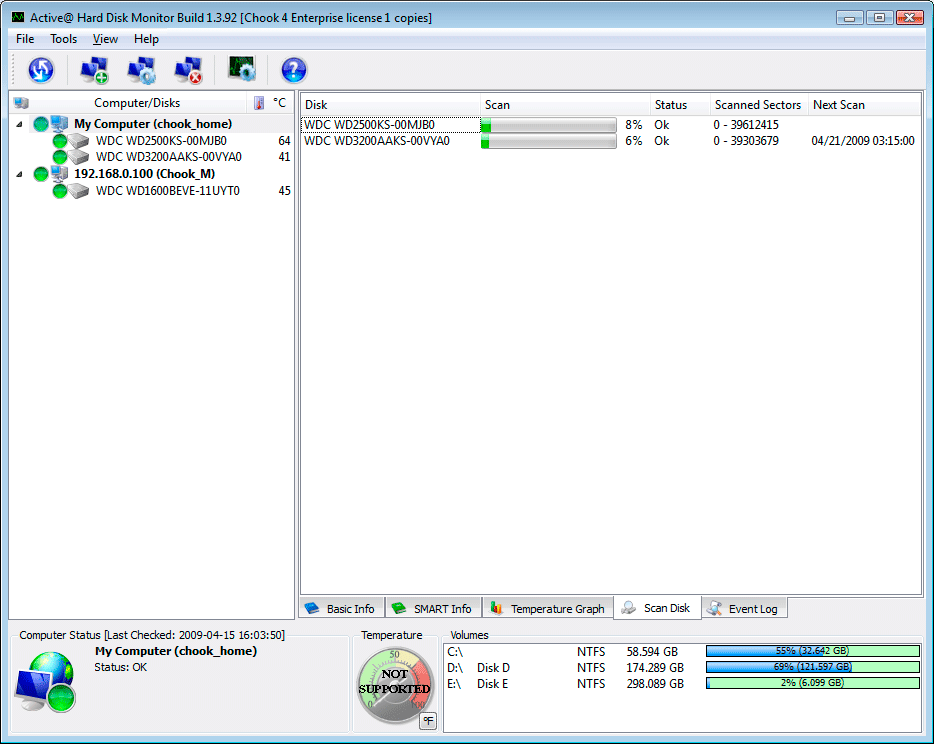
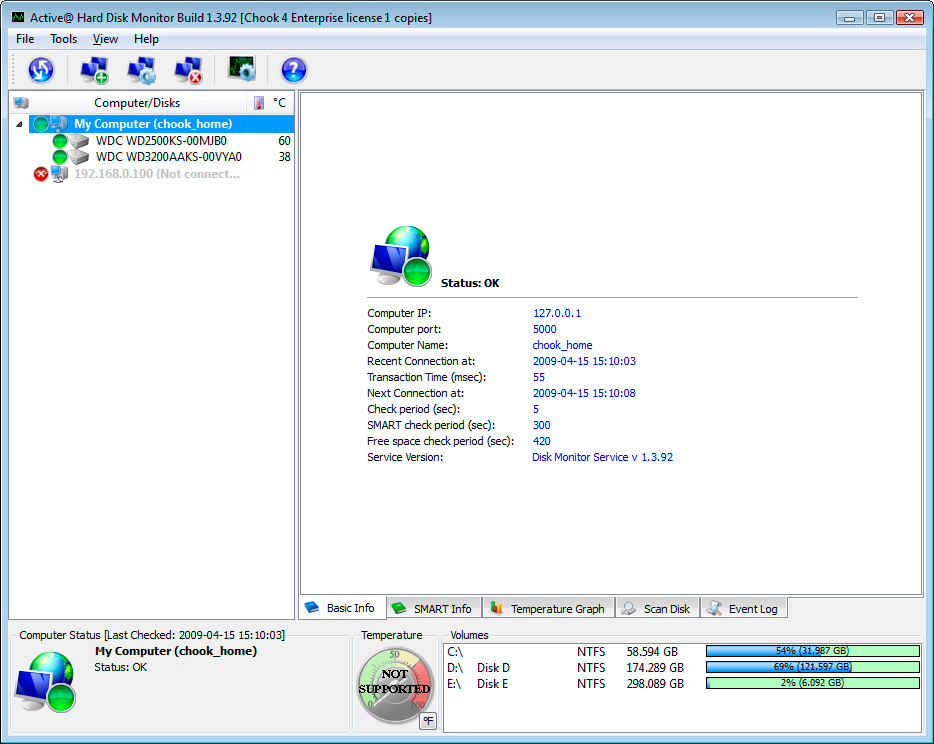
Pricing Table
Please choose the correct version and licensing model according to your business needs
Professional
for business purposes, can be used to monitor up to 3 PCs remotely
Licenses:
$
- General license - for personal and commercial use. The license will be assigned to the individual's or company's name.
- Enterprise license - for large corporations and enterprises. It means that you can use software without of any limitations at all company's offices and branches (worldwide).