
Active@ File Recovery
Recover files and disks lost due to accidental deletion, disk formatting or virus attack
Efficient and easy to use tool for restoring deleted or lost files, damaged or re-formatted volumes, even if your PC doesn't boot.
Recovers data from NTFS, ReFS, FAT, exFAT, HFS+, ApFS, XFS, JFS, UFS, Ext2/3/4, BtrFS.
Includes advanced disk editor, Virtual RAID re-constructor (recover damaged RAID disk arrays) and File Organizer to re-organize and rename files detected by their signatures.
Key Features
Recover beyond Recycled Bin
Recover files even after Recycle Bin has been emptied or files were deleted without using it
Virtual RAID re-constructor
Virtually rebuilds damaged RAID0, RAID1, RAID5 and Span disk arrays. Damaged RAID data recovery
Recover from most file systems
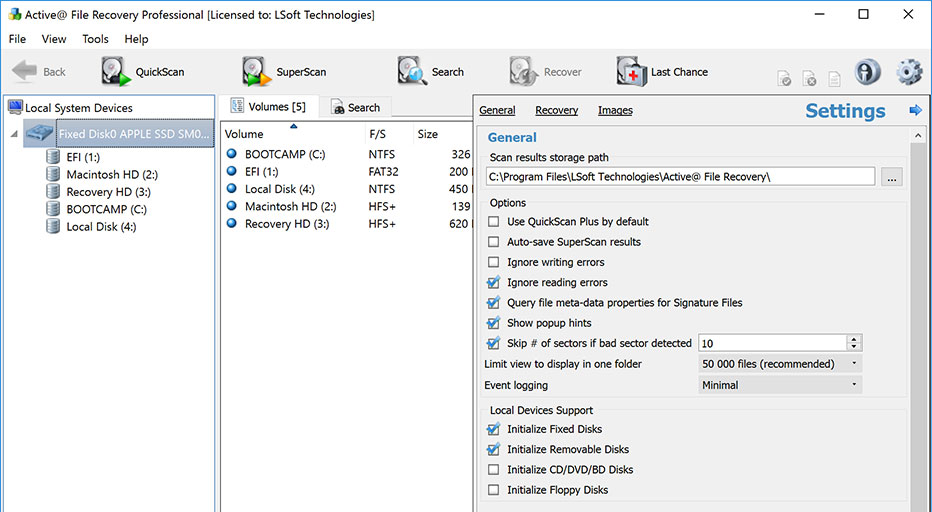
Recovers files located on NTFS, ReFS, exFAT, FAT, HFS+, ApFS, UFS, XFS, JFS, Ext2/Ext3/Ext4 & BtrFS file systems
Supports all kinds of disks
Supports HDD, IDE, SATA, eSATA, SCSI, SSD disks, RAID disk arrays, USB Flash Disks and Memory Cards, and external USB drives
Active@ Scan technology
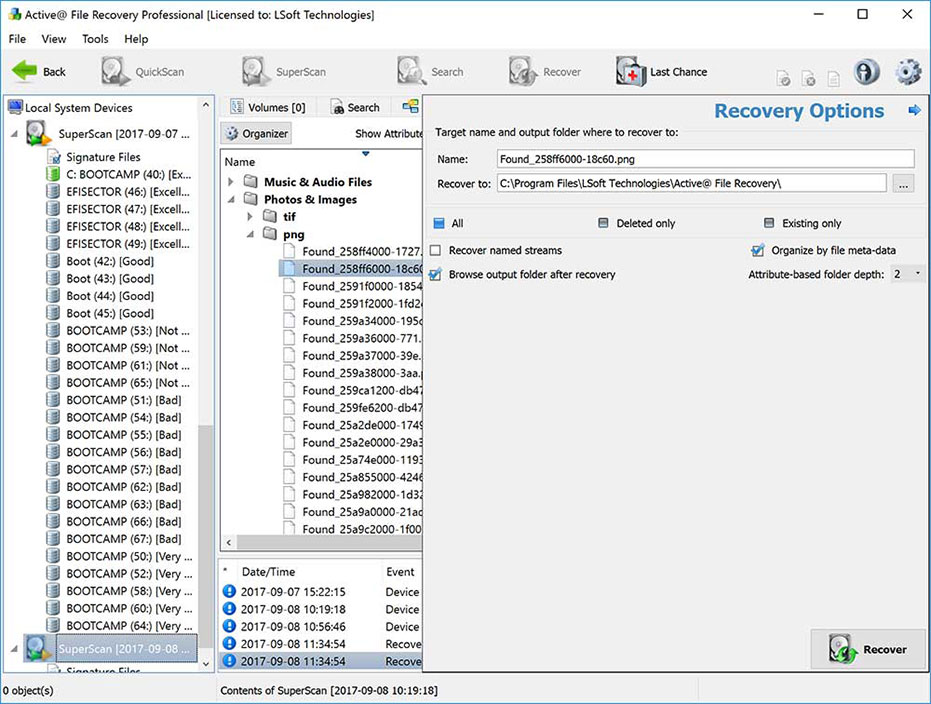
Recognizes files based on file signatures for 150+ file types - documents, pictures, music, videos
Works with Raw images
Creates and Recovers from Raw (sector-by-sector copy), raw-compressed images and disk images created by third parties
Recover from non-bootable PC
Recovers data from unbootable due to a computer crash, virus attack, damage by malicious program, or power failure PCs
Extra-large, compressed, encrypted and fragmented files recovery
Recovers extra-large, compressed, encrypted and fragmented files on NTFS; just deleted files can be recovered based on NTFS Journal
VMWare and VirtualPC images support
Support for VMWare & VirtualPC HDD images - open and work with them as if they are regular HDDs
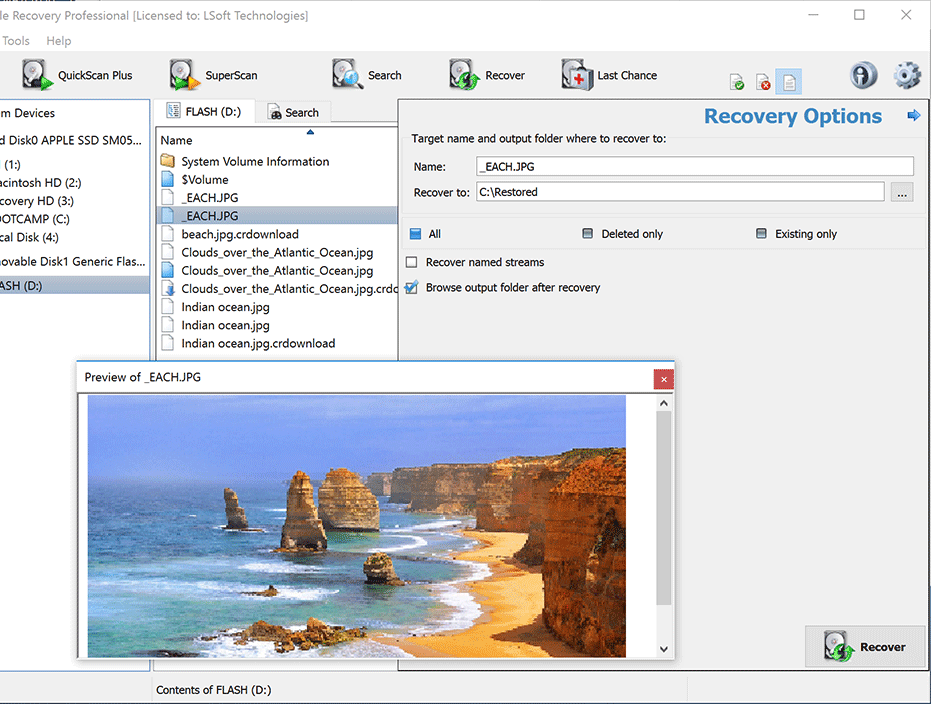
Image or Document Preview Mode
Visual representation of file or folder recoverability
Screenshots
Pricing Table
Please choose the correct version and licensing model according to your business needs
Standard
Licenses:
$
Professional
plus Active@ Disk Editor, recovery from damaged RAIDs, custom signatures, File Organizer
Licenses:
$
Ultimate
plus Active@ Boot Disk Lite and Linux-based bootable Active@ LiveCD
Licenses:
$
- Personal license - for non-commercial purposes. The Personal License will be assigned to the individual's name.
- Corporate license - for commercial use. With a Corporate License the company can use the program in a business, academic, or government environment.
- Site license - provides unlimited licensing for corporation on one physical site or location.
- Unlimited license - Business license that provides unlimited worldwide licensing for corporation.