Active@ ISO Burner
Burn CD/DVD/Blu-ray ISO images compatible with the ISO 9660 standard
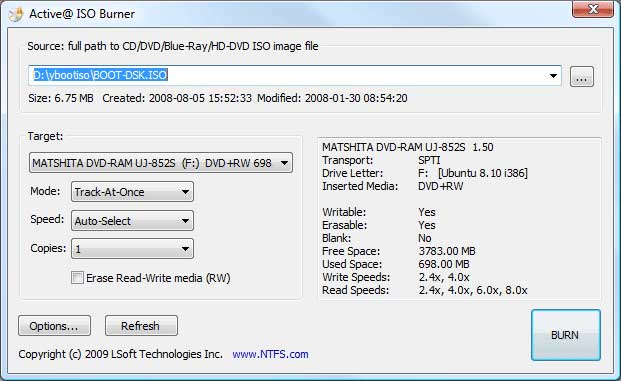
Active@ ISO Burner is a simple-to-use dialog-style freeware application that will allow you to burn an ISO image file to CD-R, DVD-R, DVD+R, CD-RW, DVD-RW,DL DVD+RW, HD DVD and Blu-ray Discs.
Command line parameters are supported to automate the ISO burning process.
Version 26.0.1 released
See more details on Active@ ISO Burner website
Key Features
SPTI, ASPI and SPTD support
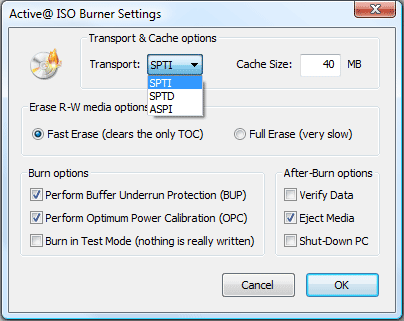
Three independent burning transports are supported (SPTI, ASPI, SPTD)
Works under user account
Works under user account (via SPTI on Vista, and SPTD transports)
Extended information
Extended device, media, and ISO file information is displayed
Burning options
Burning mode (TAO, SAO, DAO) and number of copies to burn can automatically be specified
Full log
Full text log with actions performed, errors and progress information is displayed
Test burning
Test Mode burning is supported
Screenshots